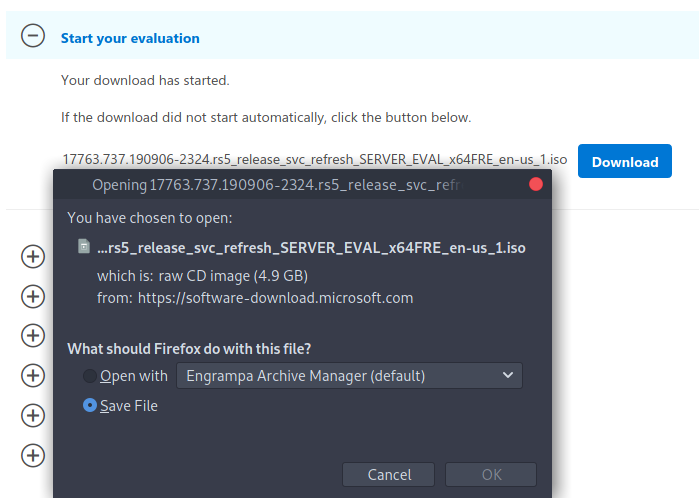
Downloading ISO's
First of all, before we can start installing VMs we need to download the operating systems. Luckily for us Microsoft offers users to download trial versions of their OS.

Yay for not having to resort to piracy!
Fake name generator
When downloading trial ISO’s Microsoft’s website it will require some personal information. If you don’t want to enter valid info you can use the following site: Fake Name Generator.
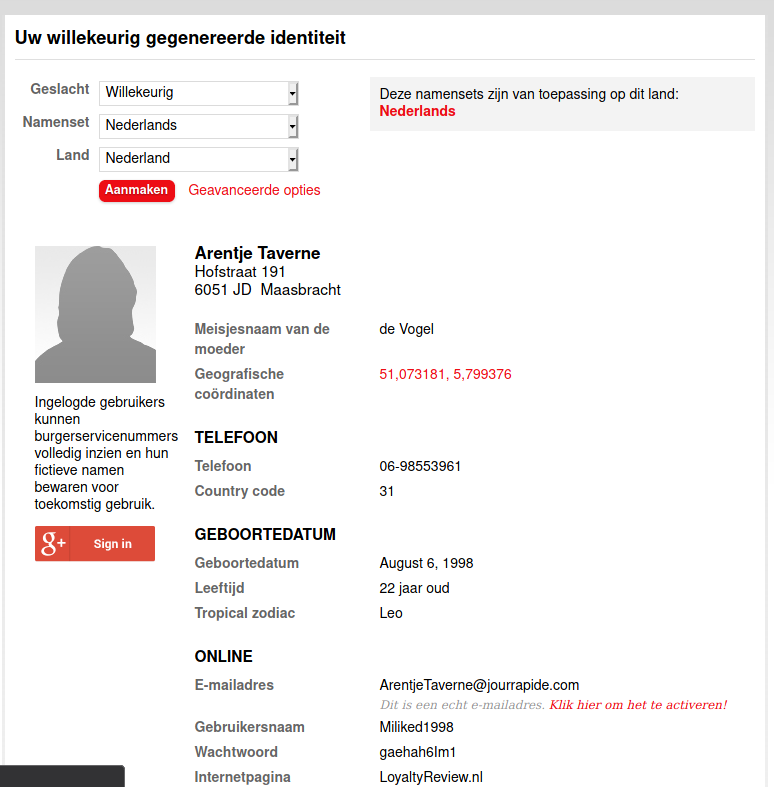
This site generates some basic info you can use during the download process.
Download Windows 10 ISO
Click on the following link: Download Windows 10 ISO
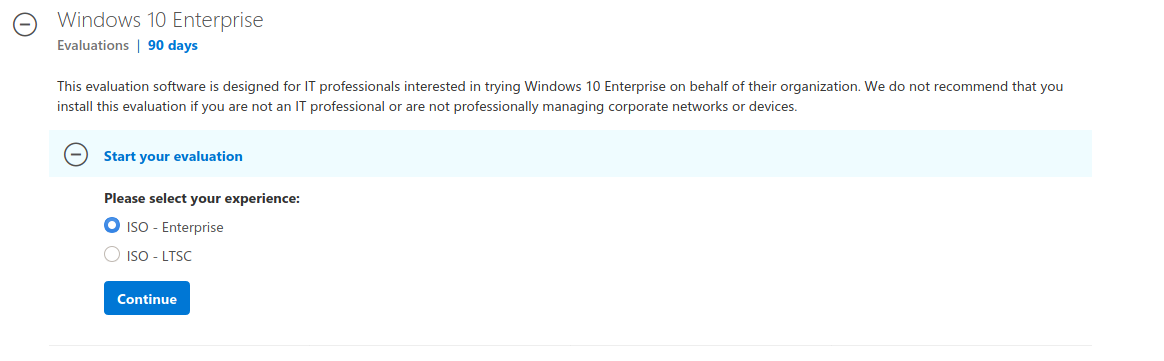
Select ISO - Enterprise and click on Continue.
Enter the required information and click on Continue.
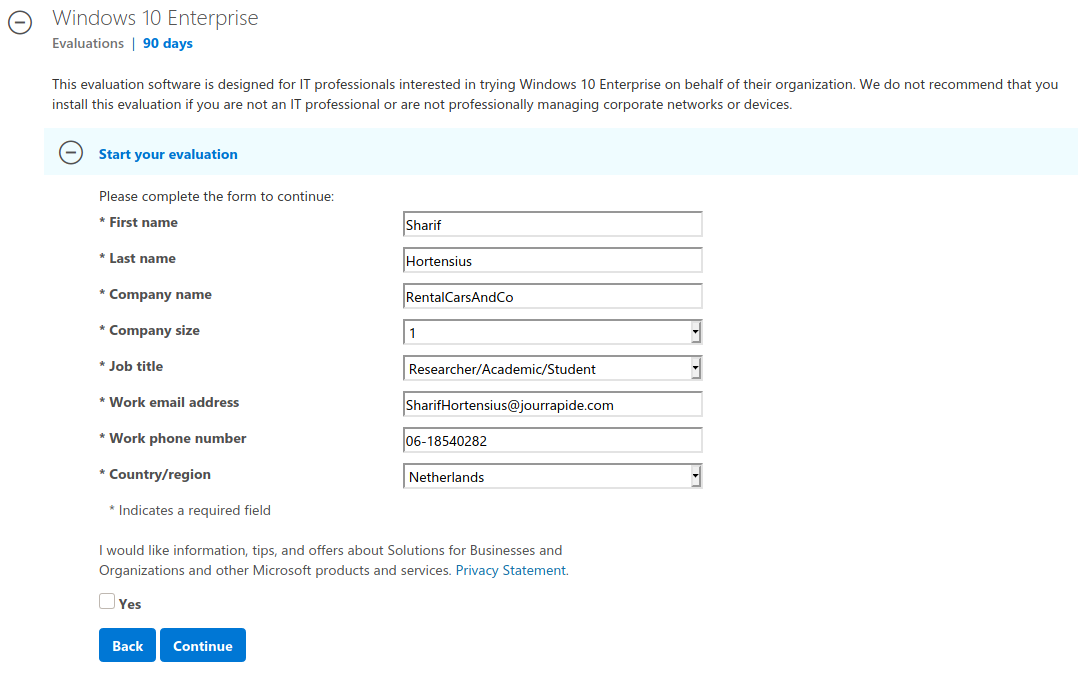
Again, as long it seems somewhat valid info it does not matter if its actually true. But I'd recommend not to reuse the information above.
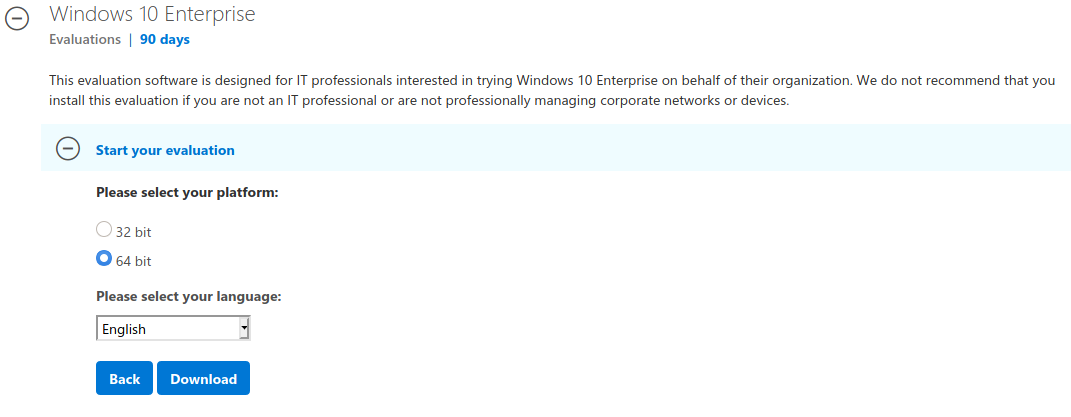
Select 64-Bit and English. Then click on Download.
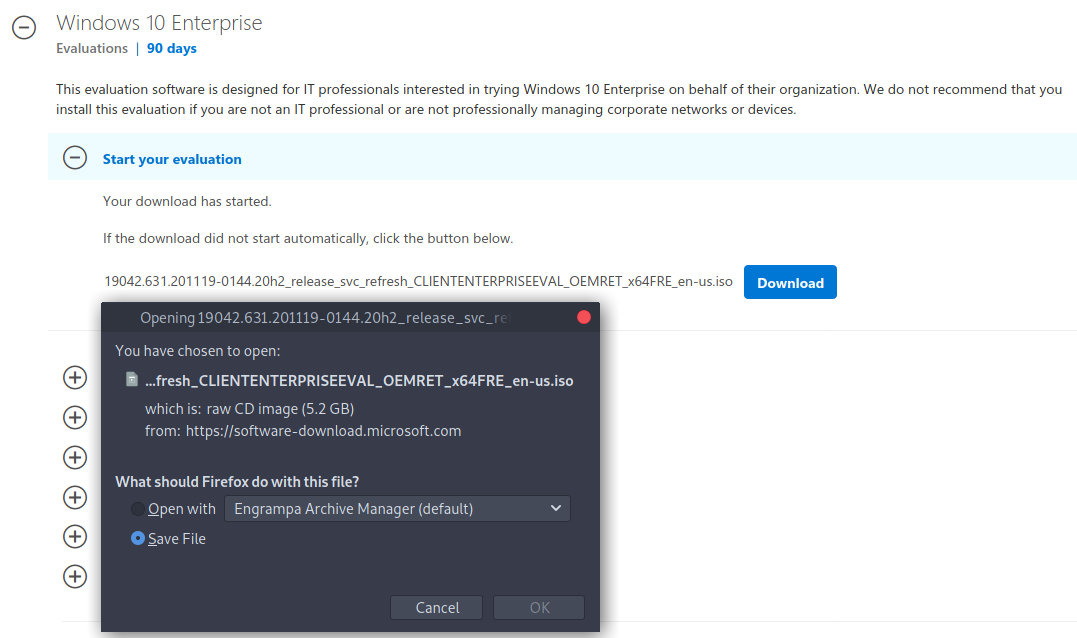
Save this file somewhere save for later.
Download Windows Server 2019 ISO
Click on the following link: Download Server 2019 ISO
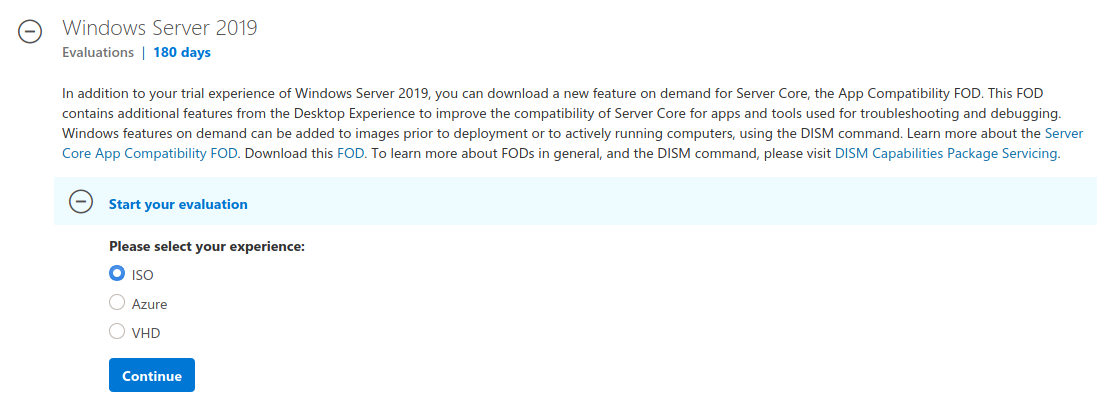
Select ISO and click on Continue.
Enter the required information and click on Continue.
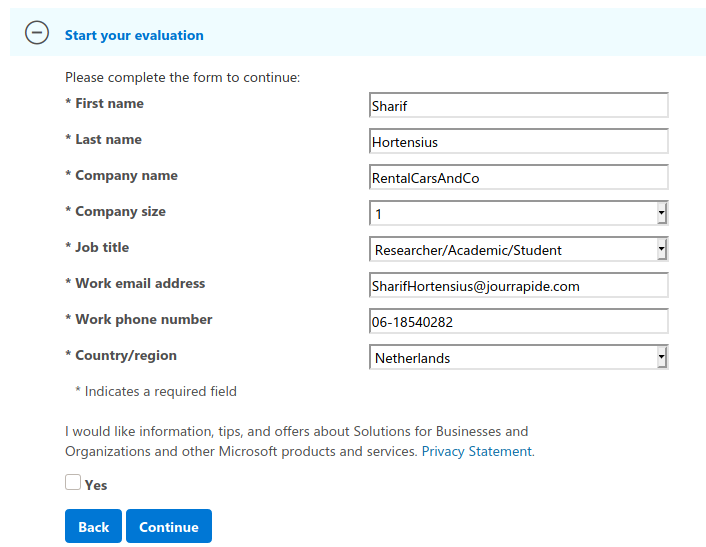
Again, as long it seems somewhat valid info it does not matter if its actually true. But I'd recommend not to reuse the information above.
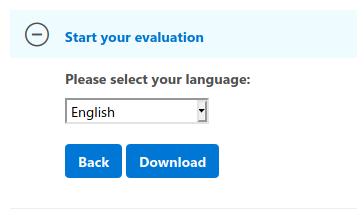
Select English and then click on Download
Save this file somewhere save for later.