Computers
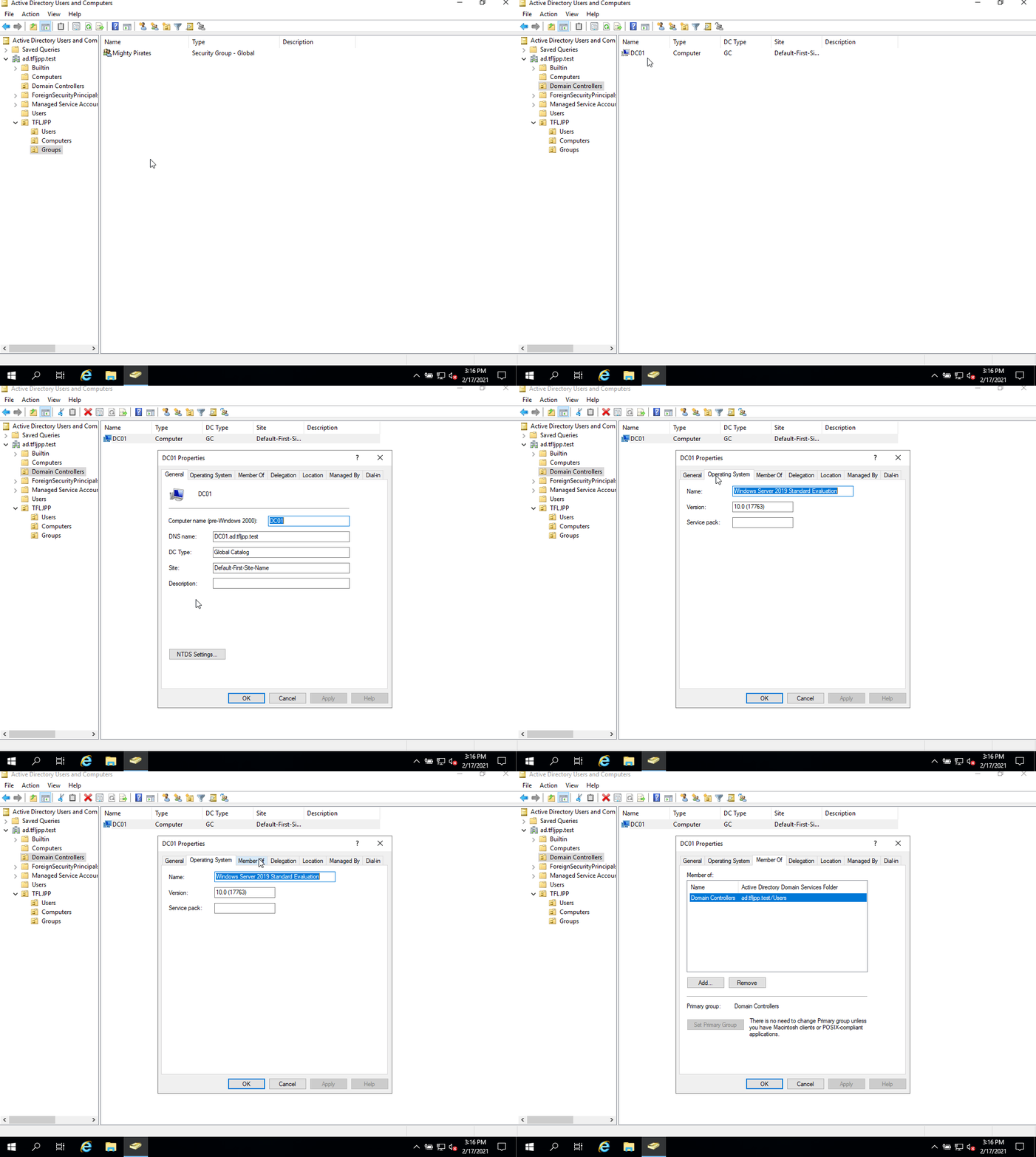
We haven’t yet added a computer to our domain, since a computer is also a security principal I like to shortly cover it here.
A generally unknown fact, in AD, computer accounts are just like user accounts. This is because if you do something in the context of a computer object, AD sees this as a ‘Authenticated User’ due it being a security principal. They are generally able to perform the same actions a default user can do, such as add more computers to the domain and read/update AD object attributes. This can be handy feature for attackers.
Naming convention
I always implement a strict naming convection for my computers in any environment. These naming conventions are not the same at every company, but I think they all should have one.
General rules I follow with the naming convention for computers:
- Always use uppercase.
- Always add subsequent numbers.
Since computers can have different types of functions I generally use the following naming convention:
| name | What its used for | Example |
|---|---|---|
| PC | User workstations | PC01 |
| LP | User Laptop | LP01 |
| PAW | Privileged Access workstation | PAW01 |
| DC | Domain Controllers | DC01 |
| FS | File Servers | FS01 |
| RDS | Remote Deskop Host Servers | RDS01 |
| RDG | Remote Destkop Gateway | RDG01 |
| APP | General application servers | APP01 |
| WEB | Web server | WEB01 |
| EXC | Microsoft Exchange Server | EXC01 |
| SQL | SQL servers | SQL01 |
| DHCP | DHCP Servers | DHCP01 |
| LIC | License Servers | LIC01 |
| CA | Certificate Authority | CA01 |
| WSUS | Windows Update services | WSUS01 |
| PRN | Print server | PRN01 |
| ADFS | Active Directory Federation Services | ADFS01 |
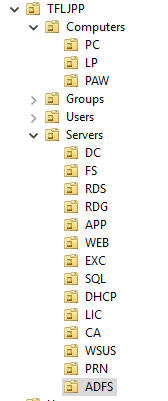
I also create separate OU’s for each computer/server type and ensure that the description explains their function.